Raybeam
A better way to screen share on macOS.
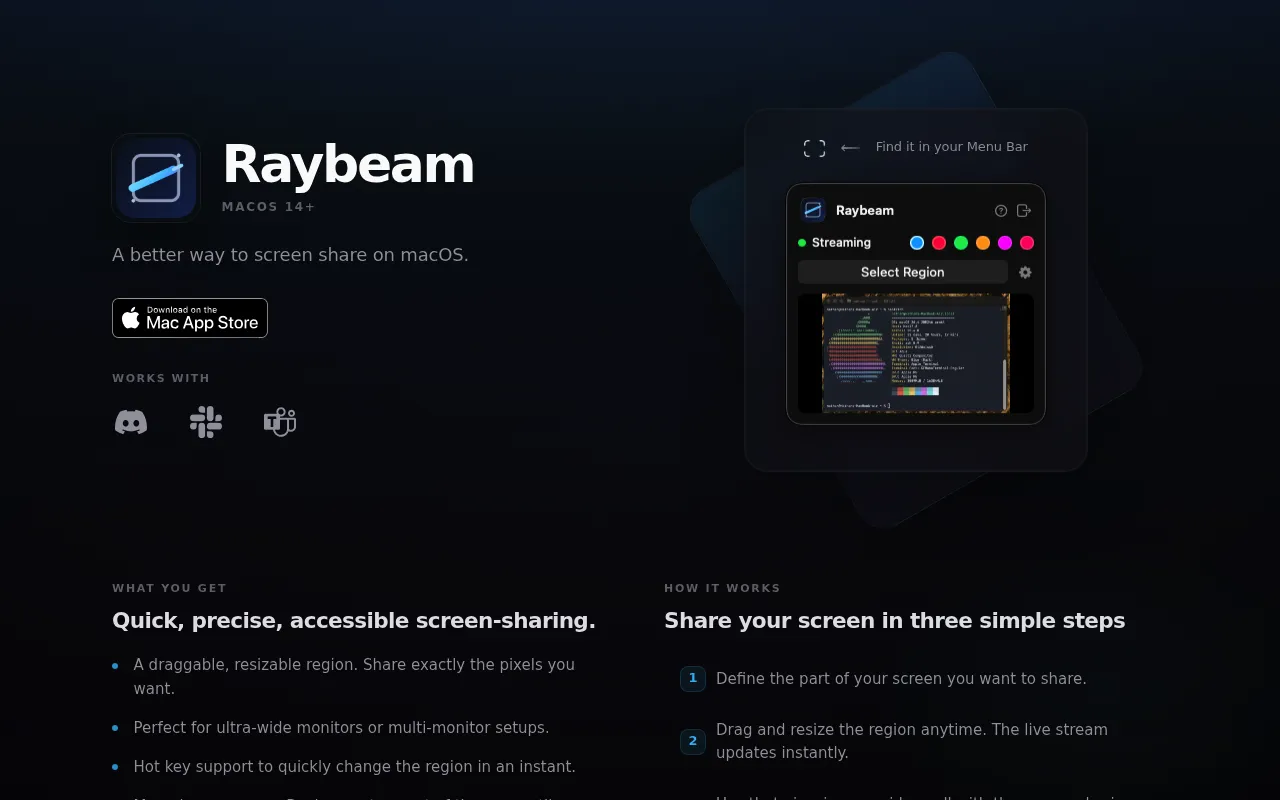
Raybeam is a macOS menu bar app that lets users share a draggable, resizable rectangular region of their screen instead of the whole display or a single window. It works with popular video conferencing tools like Zoom, Slack, and Teams, and is optimized for ultra-wide and multi-monitor setups. Users can move or resize the region in real time during a call without needing to re-share.
Raybeam creates a live, draggable and resizable rectangle on the desktop that users then present through their meeting app's standard screen-sharing controls.
Mac users on video calls, especially those with ultra-wide or multi-monitor setups
Background.
- Status
- launched
- Business model
- unknown
Similar projects.
Editorial take on the space this project sits in — momentum signals, adjacent moves, our call on whether the wedge is real. Get pinged when we publish a new read or when the landscape shifts.
Have a take on this space?
Tell us what you’d build differently, where you think the incumbents miss, or what we’ve gotten wrong about this project. Comments + reactions are coming soon.